Example Gallery
The examples below use Manim’s .. manim:: directive to render the scene
inline. Each example demonstrates one of the core extension modules.
LabelDot
Example: LabelDotExample 
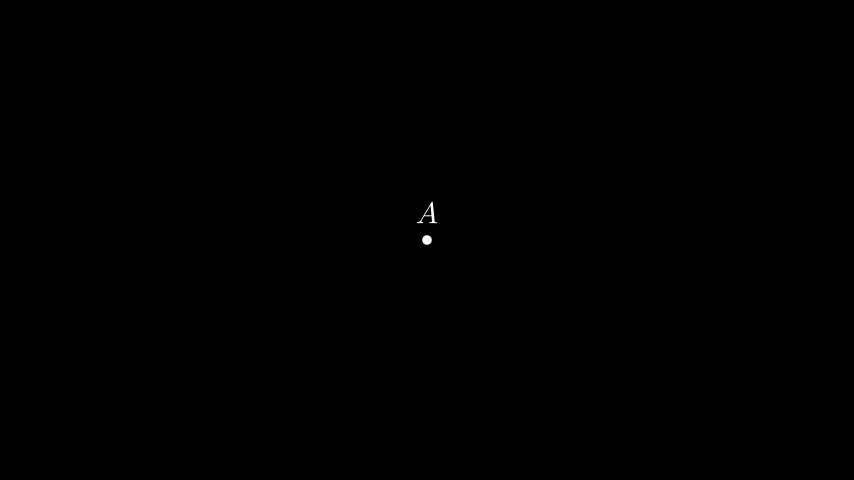
from manim import *

from manim_extensions import LabelDot

class LabelDotExample(Scene):
    def construct(self):
        dot = LabelDot("A", [0, 0, 0], label_pos=UP, buff=0.2)
        self.add(dot)
from manim import *
from manim_extensions import LabelDot

class LabelDotExample(Scene):
    def construct(self):
        dot = LabelDot("A", [0, 0, 0], label_pos=UP, buff=0.2)
        self.add(dot)
MathTexLine
Example: MathTexLineExample 
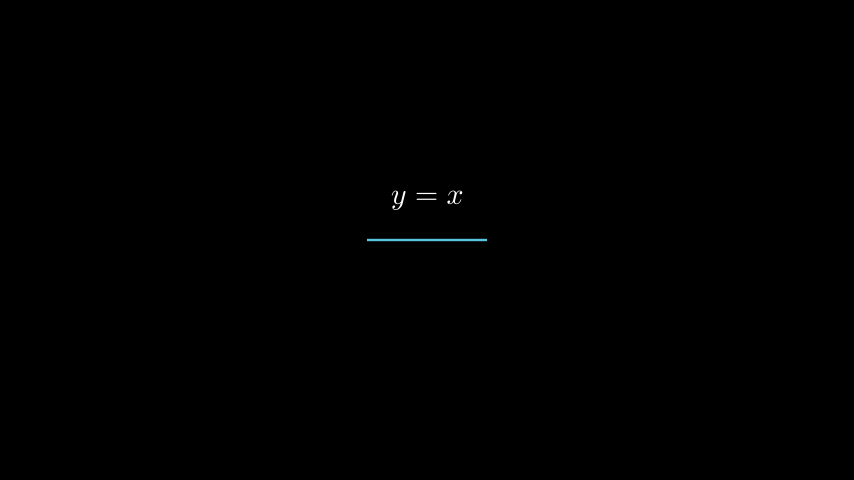
from manim import *

from manim_extensions import MathTexLine

class MathTexLineExample(Scene):
    def construct(self):
        line = MathTexLine(MathTex("y = x"), direction=UP, color=BLUE)
        self.add(line)
from manim import *
from manim_extensions import MathTexLine

class MathTexLineExample(Scene):
    def construct(self):
        line = MathTexLine(MathTex("y = x"), direction=UP, color=BLUE)
        self.add(line)
MathTexBrace
Example: MathTexBraceExample 
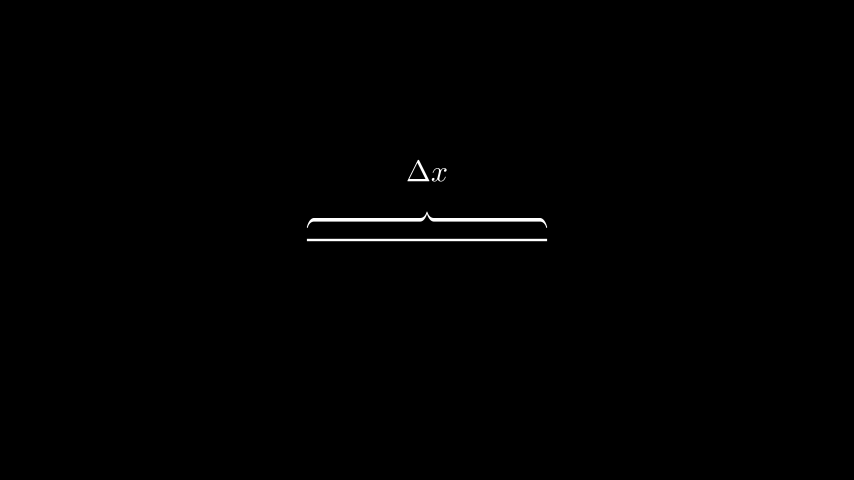
from manim import *

from manim_extensions import MathTexBrace

class MathTexBraceExample(Scene):
    def construct(self):
        line = Line(LEFT * 2, RIGHT * 2)
        brace = MathTexBrace(line, MathTex(r"\Delta x"), direction=UP)
        self.add(line, brace)
from manim import *
from manim_extensions import MathTexBrace

class MathTexBraceExample(Scene):
    def construct(self):
        line = Line(LEFT * 2, RIGHT * 2)
        brace = MathTexBrace(line, MathTex(r"\Delta x"), direction=UP)
        self.add(line, brace)
ExtendedLine
Example: ExtendedLineExample 
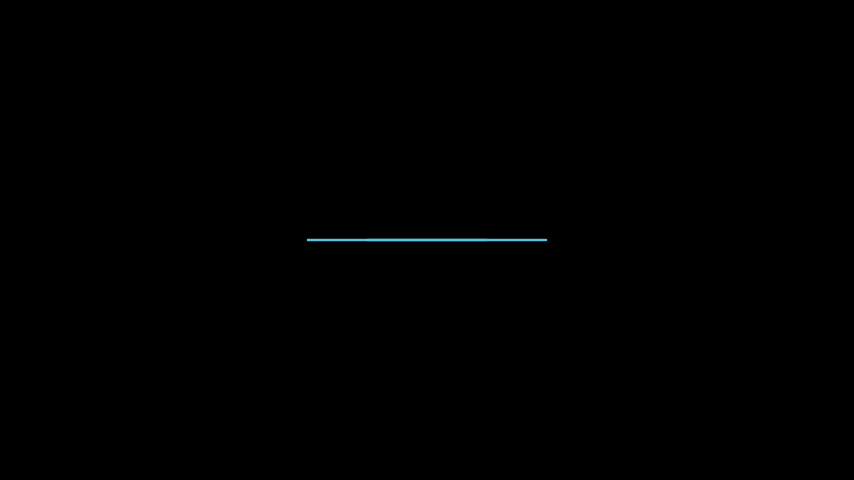
from manim import *

from manim_extensions import ExtendedLine

class ExtendedLineExample(Scene):
    def construct(self):
        base = Line(LEFT, RIGHT, color=BLUE)
        extended = ExtendedLine(base, extend_distance=1.0, color=RED)
        self.add(base, extended)
from manim import *
from manim_extensions import ExtendedLine

class ExtendedLineExample(Scene):
    def construct(self):
        base = Line(LEFT, RIGHT, color=BLUE)
        extended = ExtendedLine(base, extend_distance=1.0, color=RED)
        self.add(base, extended)
PerpendicularLine and PerpendicularSign
Example: PerpendicularExample 
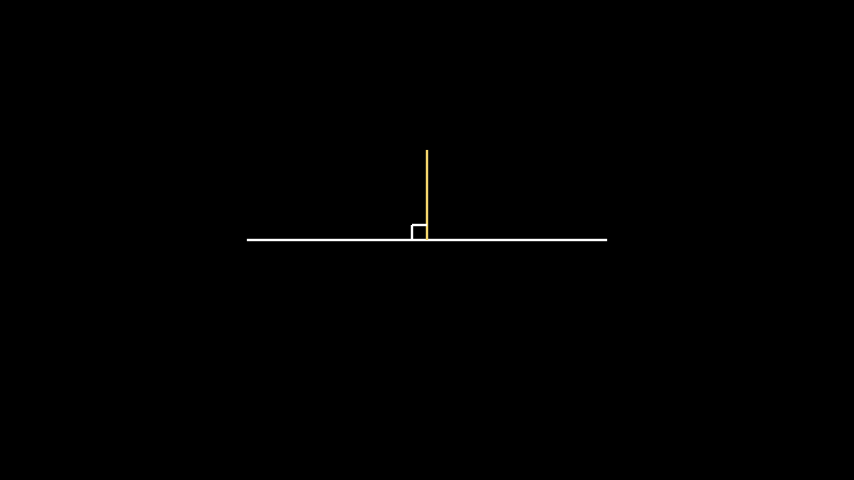
from manim import *

from manim_extensions import PerpendicularLine, PerpendicularSign

class PerpendicularExample(Scene):
    def construct(self):
        base = Line(LEFT * 3, RIGHT * 3)
        perp = PerpendicularLine(UP * 1.5, base, color=YELLOW)
        sign = PerpendicularSign(base, perp, length=0.25, color=WHITE)
        self.add(base, perp, sign)
from manim import *
from manim_extensions import PerpendicularLine, PerpendicularSign

class PerpendicularExample(Scene):
    def construct(self):
        base = Line(LEFT * 3, RIGHT * 3)
        perp = PerpendicularLine(UP * 1.5, base, color=YELLOW)
        sign = PerpendicularSign(base, perp, length=0.25, color=WHITE)
        self.add(base, perp, sign)
Circle intersections
Example: CircleIntExample 
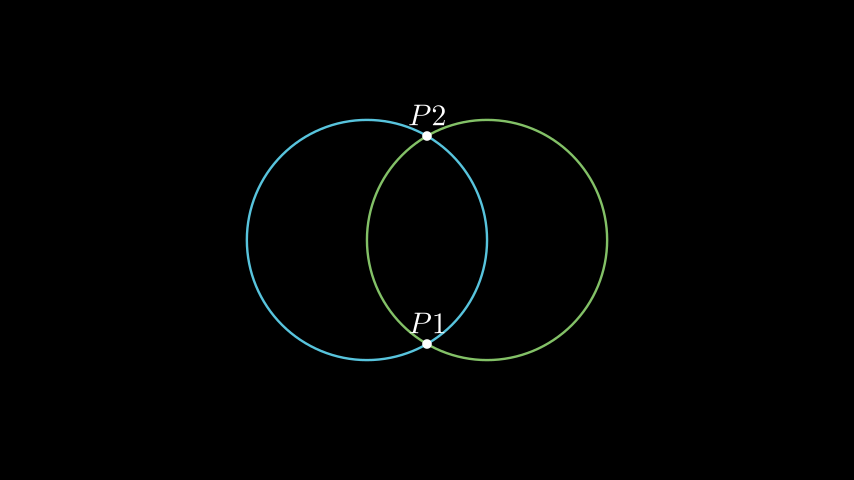
from manim import *
from manim_extensions import CircleInt, LabelDot

class CircleIntExample(Scene):
    def construct(self):
        c1 = Circle(radius=2, color=BLUE).shift(LEFT)
        c2 = Circle(radius=2, color=GREEN).shift(RIGHT)
        pts = CircleInt(c1, c2)

        self.add(c1, c2)
        if pts:
            for i, p in enumerate(pts):
                self.add(LabelDot(f"P{i+1}", p, label_pos=UP, buff=0.1))
from manim import *
from manim_extensions import CircleInt, LabelDot

class CircleIntExample(Scene):
    def construct(self):
        c1 = Circle(radius=2, color=BLUE).shift(LEFT)
        c2 = Circle(radius=2, color=GREEN).shift(RIGHT)
        pts = CircleInt(c1, c2)

        self.add(c1, c2)
        if pts:
            for i, p in enumerate(pts):
                self.add(LabelDot(f"P{i+1}", p, label_pos=UP, buff=0.1))
Typewriter animation
Example: TypeWriterExample 
from manim import *
from manim_extensions import TypeWriter

class TypeWriterExample(Scene):
    def construct(self):
        text = Text("Hello World")
        self.play(TypeWriter(text, interval=0.1))
from manim import *
from manim_extensions import TypeWriter

class TypeWriterExample(Scene):
    def construct(self):
        text = Text("Hello World")
        self.play(TypeWriter(text, interval=0.1))
Visualised arc drawing
Example: VisDrawArcExample 
from manim import *
from manim_extensions import VisDrawArc

class VisDrawArcExample(Scene):
    def construct(self):
        arc = Arc(start_angle=0, angle=PI, radius=2, color=YELLOW)
        VisDrawArc(self, arc, axis=OUT, run_time=2)
from manim import *
from manim_extensions import VisDrawArc

class VisDrawArcExample(Scene):
    def construct(self):
        arc = Arc(start_angle=0, angle=PI, radius=2, color=YELLOW)
        VisDrawArc(self, arc, axis=OUT, run_time=2)