Mobjects
This module provides custom Mobject subclasses
that extend Manim’s built-in primitives with additional convenience features
such as Chinese formula support, labelled dots, lines paired with formulas,
and geometric construction helpers.
- class manim_extensions.mobjects.ChineseMathTex(*texts, font='Noto Serif CJK SC', tex_to_color_map={}, **kwargs)[source]
Bases:
MathTexA
MathTexsubclass that supports Chinese characters.Automatically wraps Chinese characters in
\text{}and configuresxelatexwith thexeCJKpackage so that CJK fonts are rendered correctly.- Parameters:
Examples
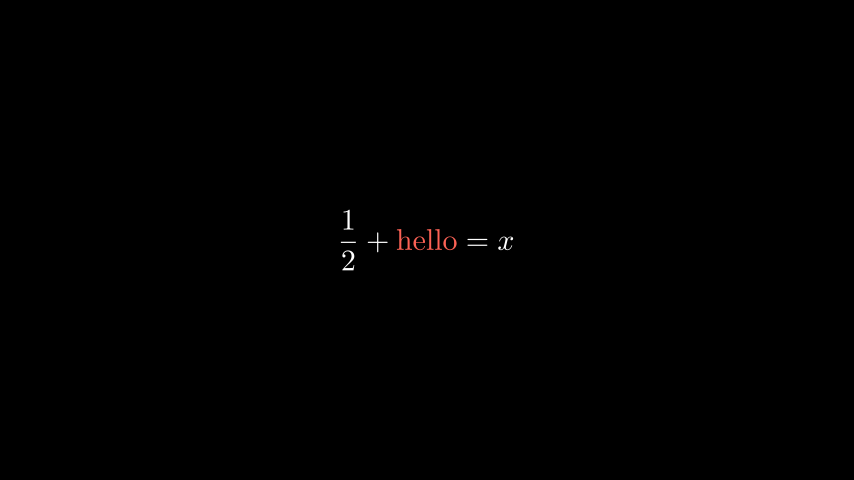
Example: ChineseMathTexDocExample 
from manim import *
from manim_extensions import ChineseMathTex

class ChineseMathTexDocExample(Scene):
    def construct(self):
        formula = ChineseMathTex(
            r"\frac{1}{2} + \text{hello} = x",
            tex_to_color_map={r"\text{hello}": RED},
        )
        self.add(formula)
from manim import *
from manim_extensions import ChineseMathTex

class ChineseMathTexDocExample(Scene):
    def construct(self):
        formula = ChineseMathTex(
            r"\frac{1}{2} + \text{hello} = x",
            tex_to_color_map={r"\text{hello}": RED},
        )
        self.add(formula)
- class manim_extensions.mobjects.LabelDot(dot_label, dot_pos, label_pos=array([0., -1., 0.]), buff=0.1, **kwargs)[source]
Bases:
VGroupA dot with a
MathTexlabel.Creates a
Dotat the given position and places aMathTexlabel next to it.- Parameters:
dot_label (
str) – Text content of the label.dot_pos (
ndarray) – Position of the dot.label_pos (
ndarray) – Direction of the label relative to the dot. Defaults toDOWN.buff (
float) – Buffer between the label and the dot. Defaults to0.1.**kwargs – Additional keyword arguments forwarded to
VGroup.
- dot
The underlying dot mobject.
- Type:
Dot
- dot_pos
The position of the dot.
- Type:
Examples
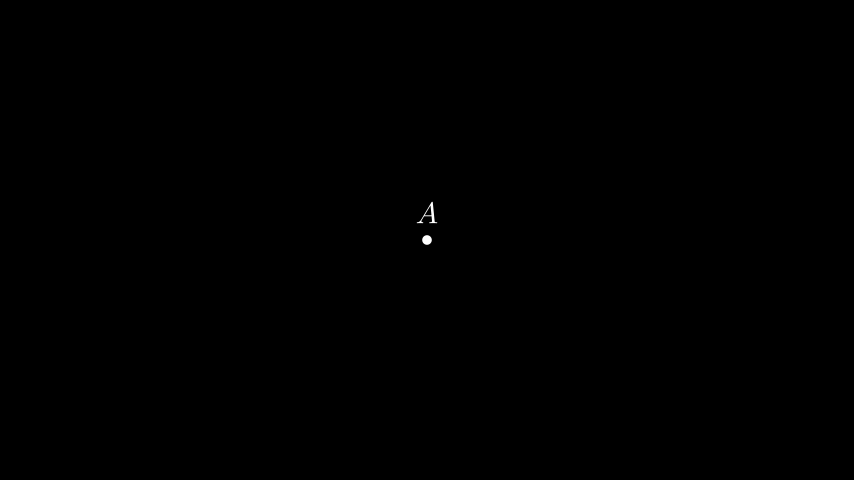
Example: LabelDotDocExample 
from manim import *

from manim_extensions import LabelDot

class LabelDotDocExample(Scene):
    def construct(self):
        dot = LabelDot("A", [0, 0, 0], label_pos=UP, buff=0.2)
        self.add(dot)
from manim import *
from manim_extensions import LabelDot

class LabelDotDocExample(Scene):
    def construct(self):
        dot = LabelDot("A", [0, 0, 0], label_pos=UP, buff=0.2)
        self.add(dot)
- class manim_extensions.mobjects.MathTexLine(formula, direction=array([0., 1., 0.]), buff=0.5, **kwargs)[source]
Bases:
VGroupA line segment paired with a
MathTexformula.Creates a
Lineand places aMathTexformula next to it in the specified direction.- Parameters:
Examples
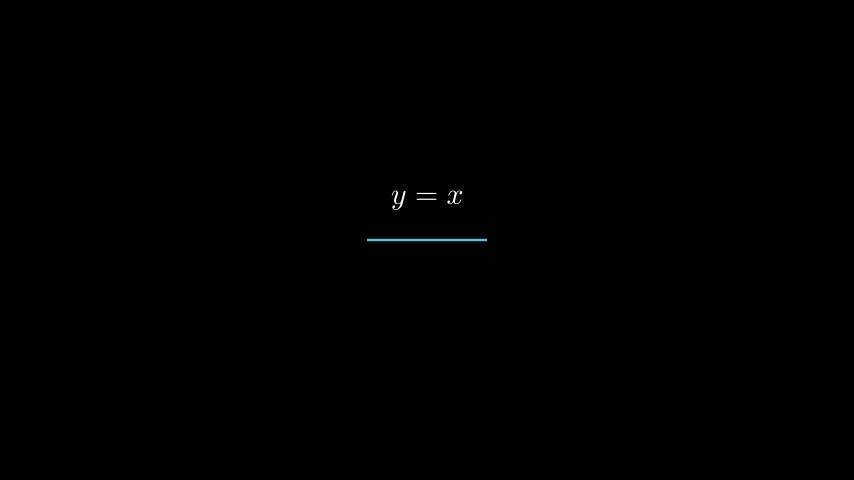
Example: MathTexLineDocExample 
from manim import *

from manim_extensions import MathTexLine

class MathTexLineDocExample(Scene):
    def construct(self):
        line = MathTexLine(MathTex("y = x"), direction=UP, color=BLUE)
        self.add(line)
from manim import *
from manim_extensions import MathTexLine

class MathTexLineDocExample(Scene):
    def construct(self):
        line = MathTexLine(MathTex("y = x"), direction=UP, color=BLUE)
        self.add(line)
- class manim_extensions.mobjects.MathTexBrace(target, formula, direction=array([0., 1., 0.]), buff=0.5, **kwargs)[source]
Bases:
VGroupA brace with a
MathTexformula.Creates a
Bracearound a target mobject and places aMathTexformula next to the brace.- Parameters:
target (
Mobject) – The mobject to be braced (e.g. a line, rectangle, etc.).formula (
MathTex) – The formula to place beside the brace.direction (
ndarray) – Direction of the brace and formula relative to the target. Defaults toUP.buff (
float) – Buffer between the formula and the brace. Defaults to0.5.**kwargs – Additional keyword arguments forwarded to
Brace.
Examples
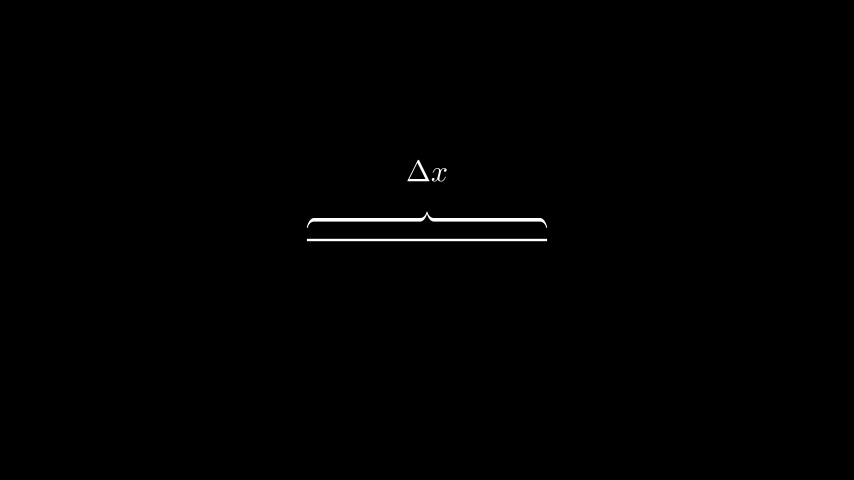
Example: MathTexBraceDocExample 
from manim import *

from manim_extensions import MathTexBrace

class MathTexBraceDocExample(Scene):
    def construct(self):
        line = Line(LEFT * 2, RIGHT * 2)
        brace = MathTexBrace(line, MathTex(r"\Delta x"), direction=UP)
        self.add(line, brace)
from manim import *
from manim_extensions import MathTexBrace

class MathTexBraceDocExample(Scene):
    def construct(self):
        line = Line(LEFT * 2, RIGHT * 2)
        brace = MathTexBrace(line, MathTex(r"\Delta x"), direction=UP)
        self.add(line, brace)
- class manim_extensions.mobjects.MathTexDoublearrow(formula, direction=array([0., 1., 0.]), buff=0.5, **kwargs)[source]
Bases:
VGroupA double arrow with a
MathTexformula.Creates a
DoubleArrowand places aMathTexformula next to it in the specified direction.- Parameters:
formula (
MathTex) – The formula to place beside the double arrow.direction (
ndarray) – Direction of the formula relative to the double arrow. Defaults toUP.buff (
float) – Buffer between the formula and the double arrow. Defaults to0.5.**kwargs – Additional keyword arguments forwarded to
DoubleArrow.
Examples
Example: MathTexDoublearrowDocExample 
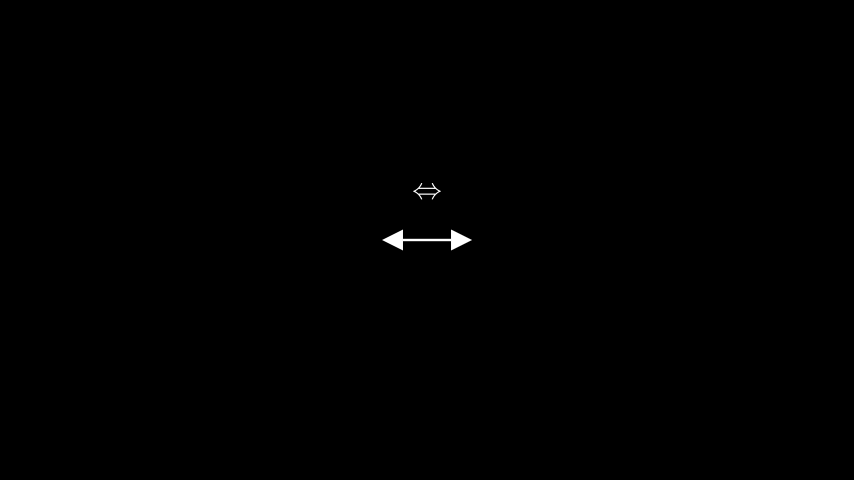
from manim import *

from manim_extensions import MathTexDoublearrow

class MathTexDoublearrowDocExample(Scene):
    def construct(self):
        arrow = MathTexDoublearrow(MathTex(r"\Leftrightarrow"), direction=UP)
        self.add(arrow)
from manim import *
from manim_extensions import MathTexDoublearrow

class MathTexDoublearrowDocExample(Scene):
    def construct(self):
        arrow = MathTexDoublearrow(MathTex(r"\Leftrightarrow"), direction=UP)
        self.add(arrow)
- class manim_extensions.mobjects.PerpendicularLine(point, line, **kwargs)[source]
Bases:
LineA perpendicular line segment from a point to a given line.
Computes the foot of the perpendicular from point onto line and creates a
Linefrom point to that foot.- Parameters:
- point
The 3‑D point from which the perpendicular is drawn.
- Type:
- target_line
The line onto which the perpendicular is dropped.
- Type:
Line
- foot
The foot of the perpendicular on target_line.
- Type:
Examples
Example: PerpendicularLineDocExample 
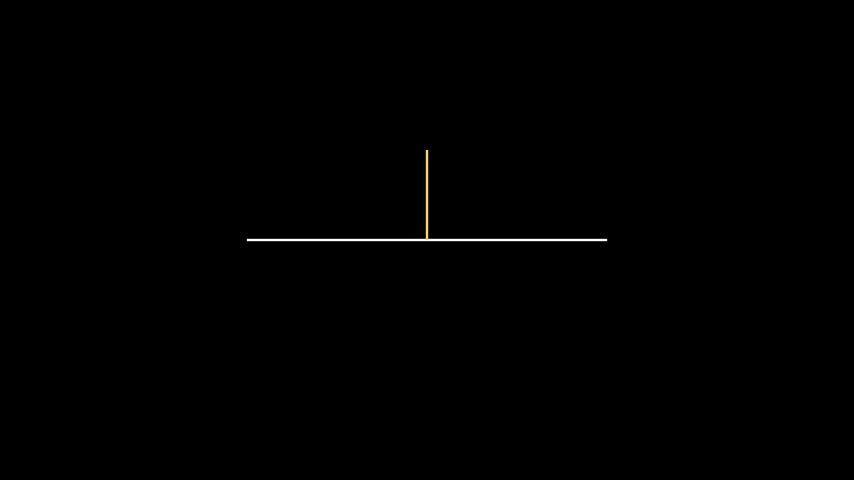
from manim import *

from manim_extensions import PerpendicularLine

class PerpendicularLineDocExample(Scene):
    def construct(self):
        base = Line(LEFT * 3, RIGHT * 3)
        perp = PerpendicularLine(UP * 1.5, base, color=YELLOW)
        self.add(base, perp)
from manim import *
from manim_extensions import PerpendicularLine

class PerpendicularLineDocExample(Scene):
    def construct(self):
        base = Line(LEFT * 3, RIGHT * 3)
        perp = PerpendicularLine(UP * 1.5, base, color=YELLOW)
        self.add(base, perp)
- class manim_extensions.mobjects.ExtendedLine(line, extend_distance, **kwargs)[source]
Bases:
LineA line segment extended at both ends.
Takes an existing
Lineand extends it by extend_distance along its original direction on both sides. The style of the original line is preserved.- Parameters:
Examples
Example: ExtendedLineDocExample 

from manim import *

from manim_extensions import ExtendedLine

class ExtendedLineDocExample(Scene):
    def construct(self):
        base = Line(LEFT, RIGHT, color=BLUE)
        extended = ExtendedLine(base, extend_distance=1.0, color=RED)
        self.add(base, extended)
from manim import *
from manim_extensions import ExtendedLine

class ExtendedLineDocExample(Scene):
    def construct(self):
        base = Line(LEFT, RIGHT, color=BLUE)
        extended = ExtendedLine(base, extend_distance=1.0, color=RED)
        self.add(base, extended)
- class manim_extensions.mobjects.PerpendicularSign(line1, line2, length=0.25, corner_direction=None, **kwargs)[source]
Bases:
VGroupA right‑angle (perpendicular) sign.
Draws a small L‑shaped corner at the intersection of two lines to indicate that they are perpendicular. The sign consists of two short line segments.
- Parameters:
line1 (
Line) – The first line.line2 (
Line) – The second line.length (
float) – Length of each leg of the corner. Defaults to0.25.corner_direction (
Union[ndarray,tuple,list,None]) – A direction vector that selects on which side of the intersection the corner is drawn. IfNone(the default), the side that points toward the nearer endpoints of the two lines is chosen automatically.**kwargs (
Any) – Additional keyword arguments forwarded toVGroup.
- intersection
The 3‑D intersection point of the two lines. If the lines are parallel this attribute is not set.
- Type:
Examples
Example: PerpendicularSignDocExample 
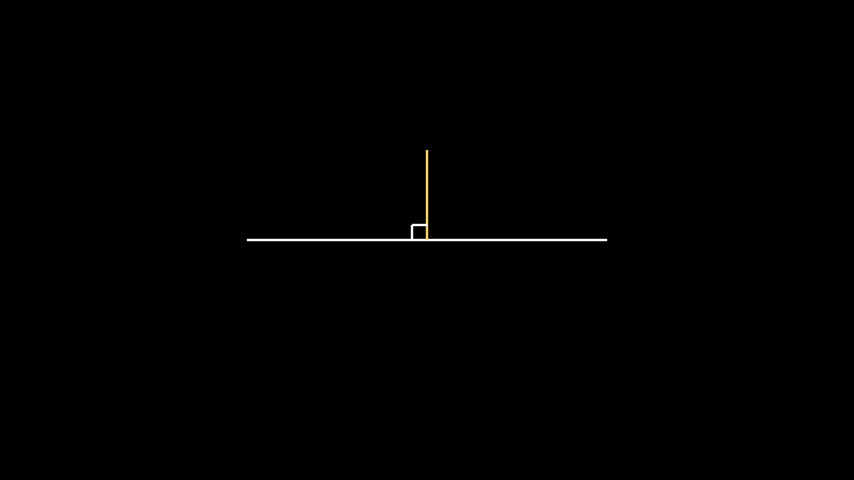
from manim import *

from manim_extensions import PerpendicularLine, PerpendicularSign

class PerpendicularSignDocExample(Scene):
    def construct(self):
        base = Line(LEFT * 3, RIGHT * 3)
        perp = PerpendicularLine(UP * 1.5, base, color=YELLOW)
        sign = PerpendicularSign(base, perp, length=0.25, color=WHITE)
        self.add(base, perp, sign)
from manim import *
from manim_extensions import PerpendicularLine, PerpendicularSign

class PerpendicularSignDocExample(Scene):
    def construct(self):
        base = Line(LEFT * 3, RIGHT * 3)
        perp = PerpendicularLine(UP * 1.5, base, color=YELLOW)
        sign = PerpendicularSign(base, perp, length=0.25, color=WHITE)
        self.add(base, perp, sign)